
Home Sweet Phone
Easy phone for your parents
Turn your parent's phone into a calm screen of big buttons. Build the layout on your own phone, send it over, and see each day that they are okay.


In-app purchases

About this app
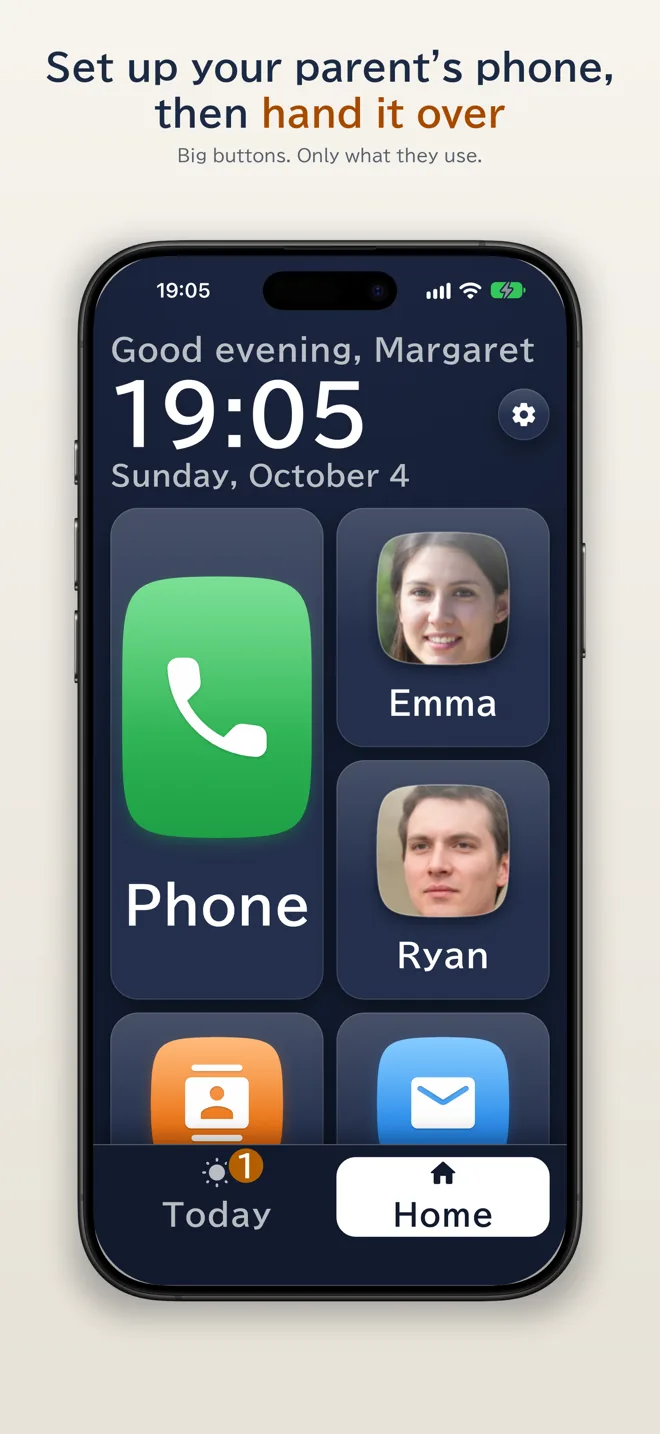
"The text is too small." "Which button do I press?" "I touched something and can't get back." Home Sweet Phone answers the problems families hit when a parent gets their first smartphone. You set it up, then hand it over.
A home screen of big buttons
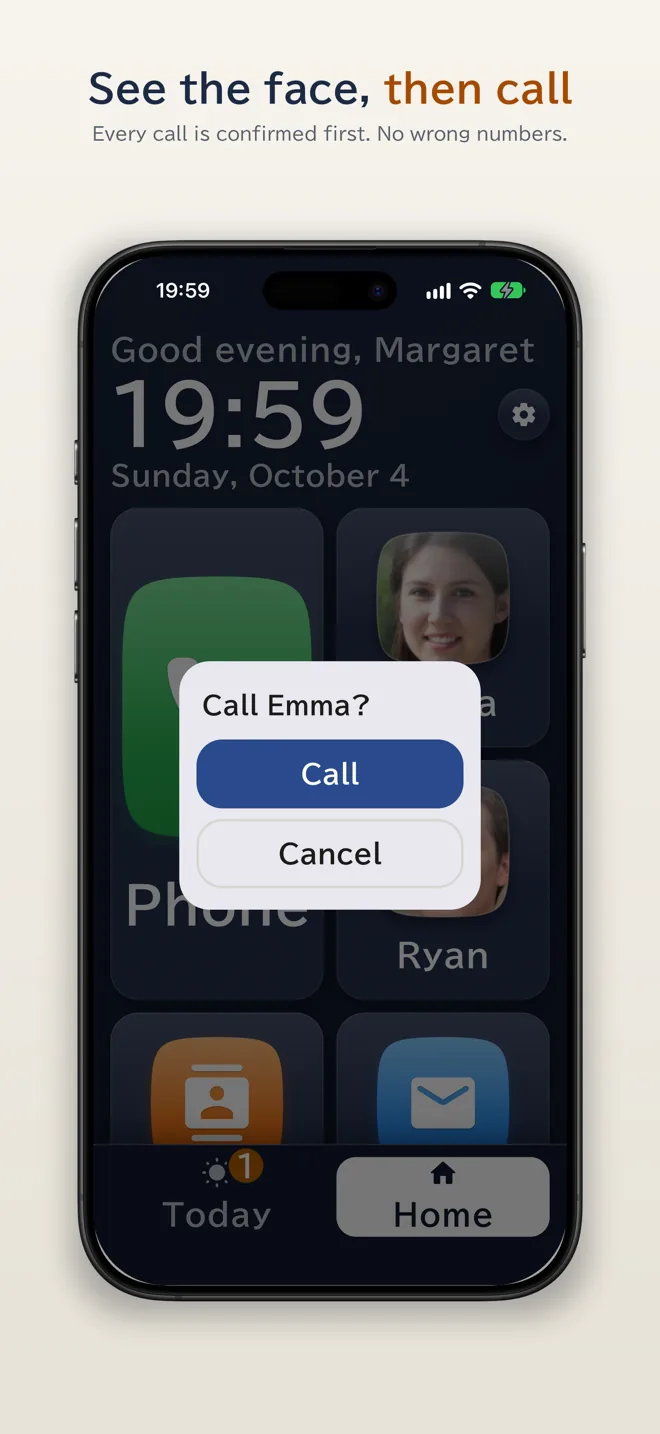
Only what they use, on large buttons: a big Phone button with the faces of family next to it. Every call is confirmed once before it is placed, so there are no wrong numbers.
"How they are doing": a daily check-in
Open the app on your phone and see when they last opened it and how often they used the phone today. If a day passes with no use at all, or the emergency button is pressed, you get an alert. Location, calls, notes and photos are never shared, and they can stop it at any time.
Set up from afar
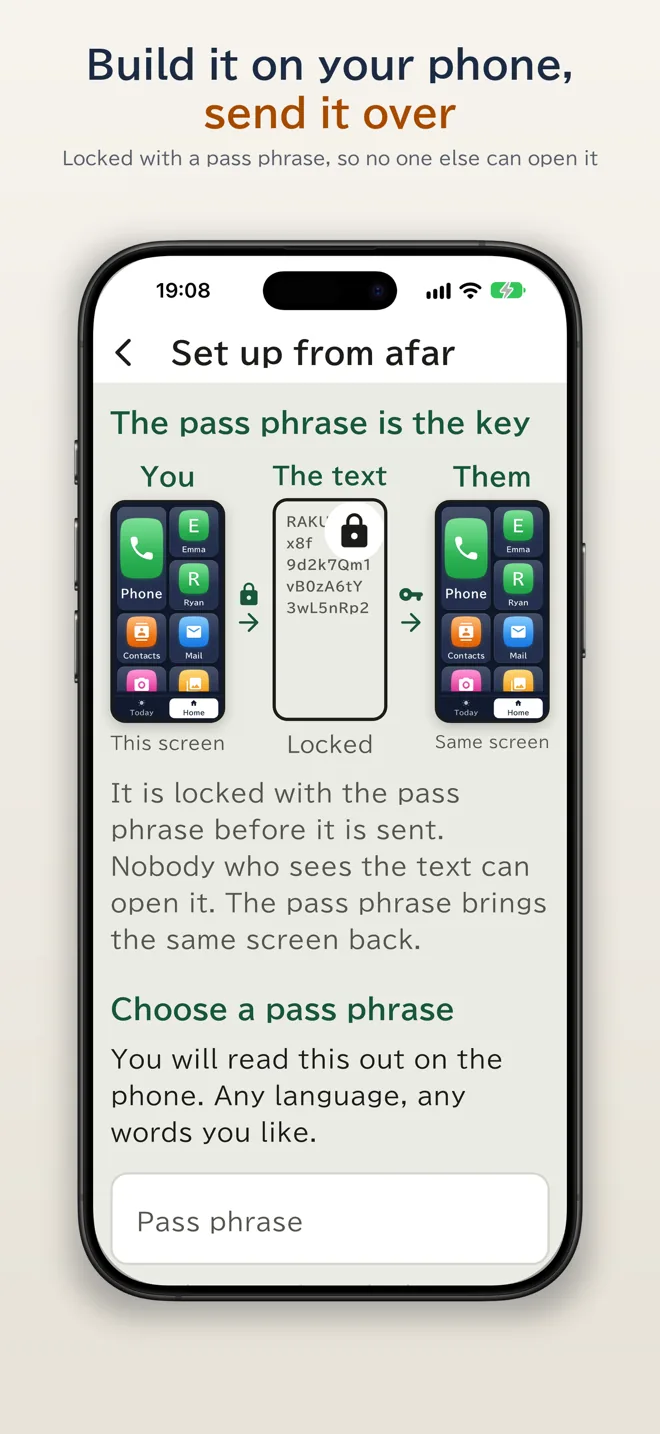
Arrange buttons, family photos and medicine reminders on your own phone, then send them with any messaging app. On their phone, enter the pass phrase you tell them on a call, and it becomes the same screen.
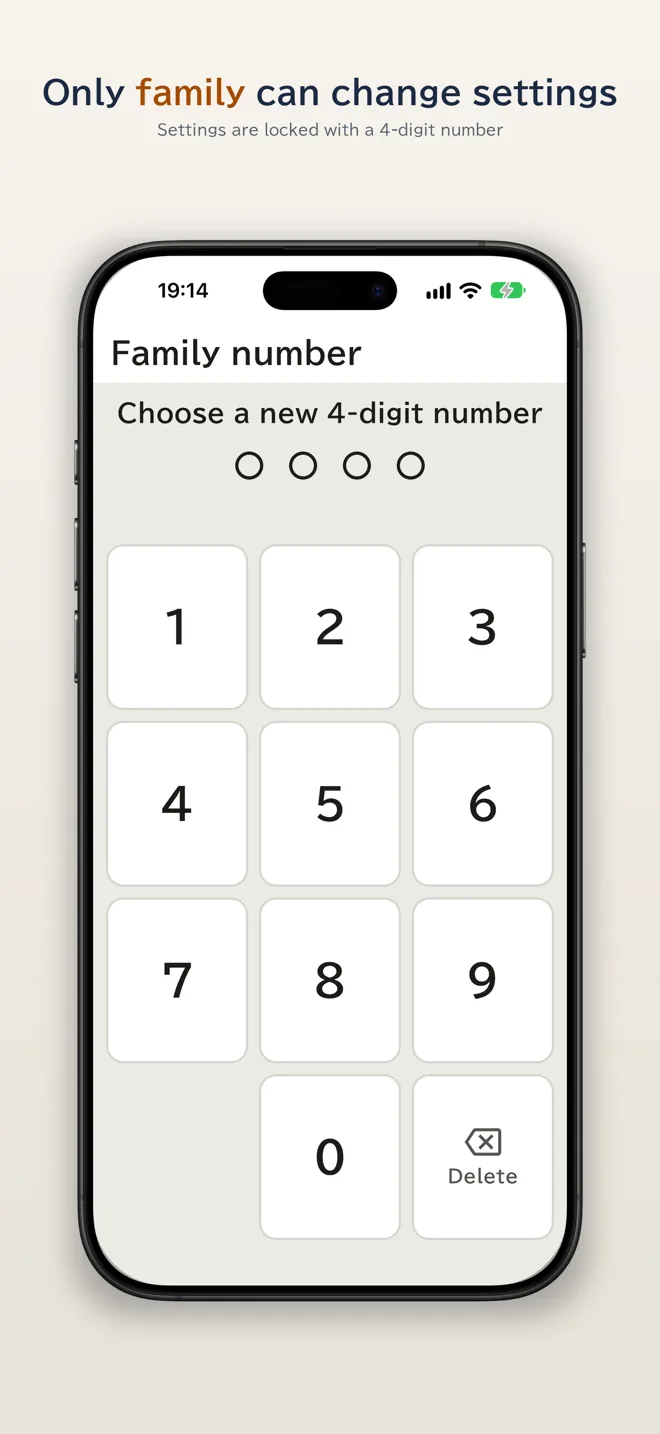
Only family can change settings
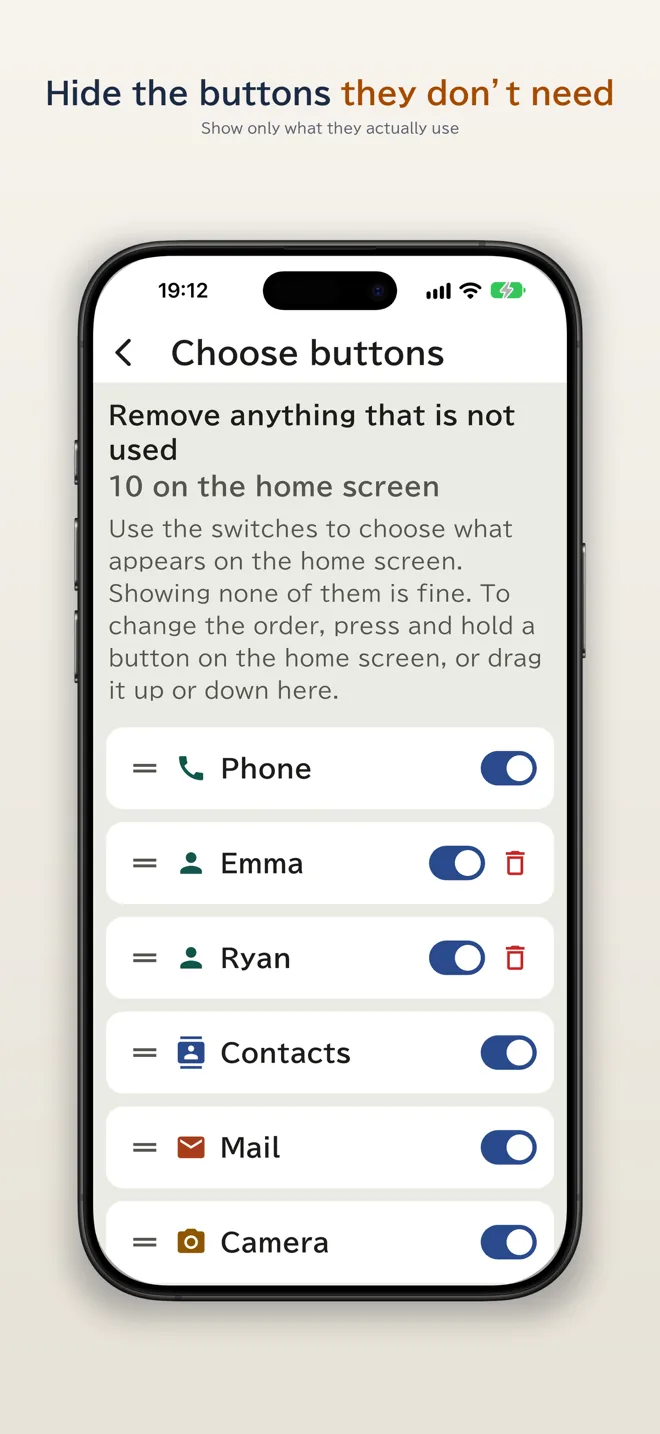
A 4-digit number locks the settings. Hide the buttons they don't need, and "Prevent mistakes" stops buttons moving by accident.
Reminders and easy reading
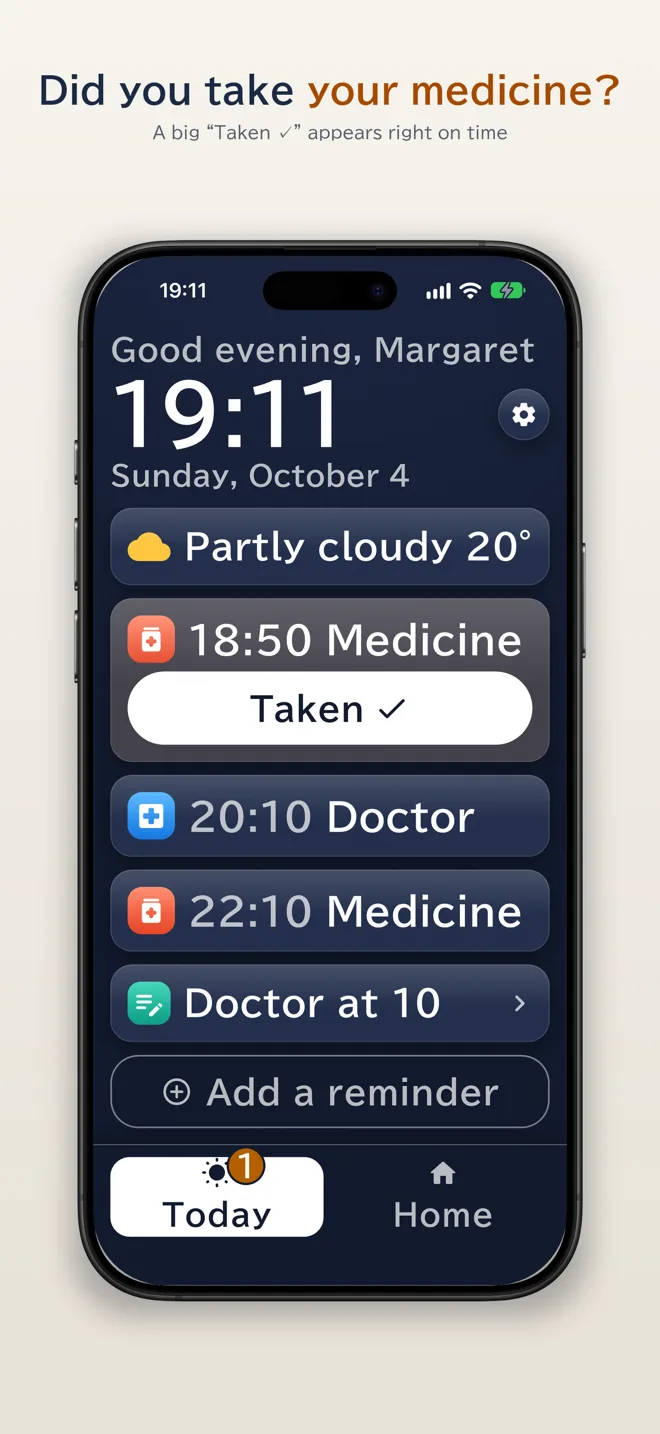
Medicine and appointment reminders with a big "Taken" button, three text sizes, a hard-to-misread typeface, read-aloud, a magnifier, notes and an emergency contact. No ads.
About the in-app purchase
Medicine checks, 7-day and 30-day records and more than one family member watching in "How they are doing" are an optional one-time purchase.
Get Home Sweet Phone


