
One PDF
Print signs, notices & banners
Make big-letter signs as print-ready A4 PDFs in seconds. Pick from 100+ templates like "Closed today" or "No smoking", change the text and colors, and print.

In-app purchases

About this app
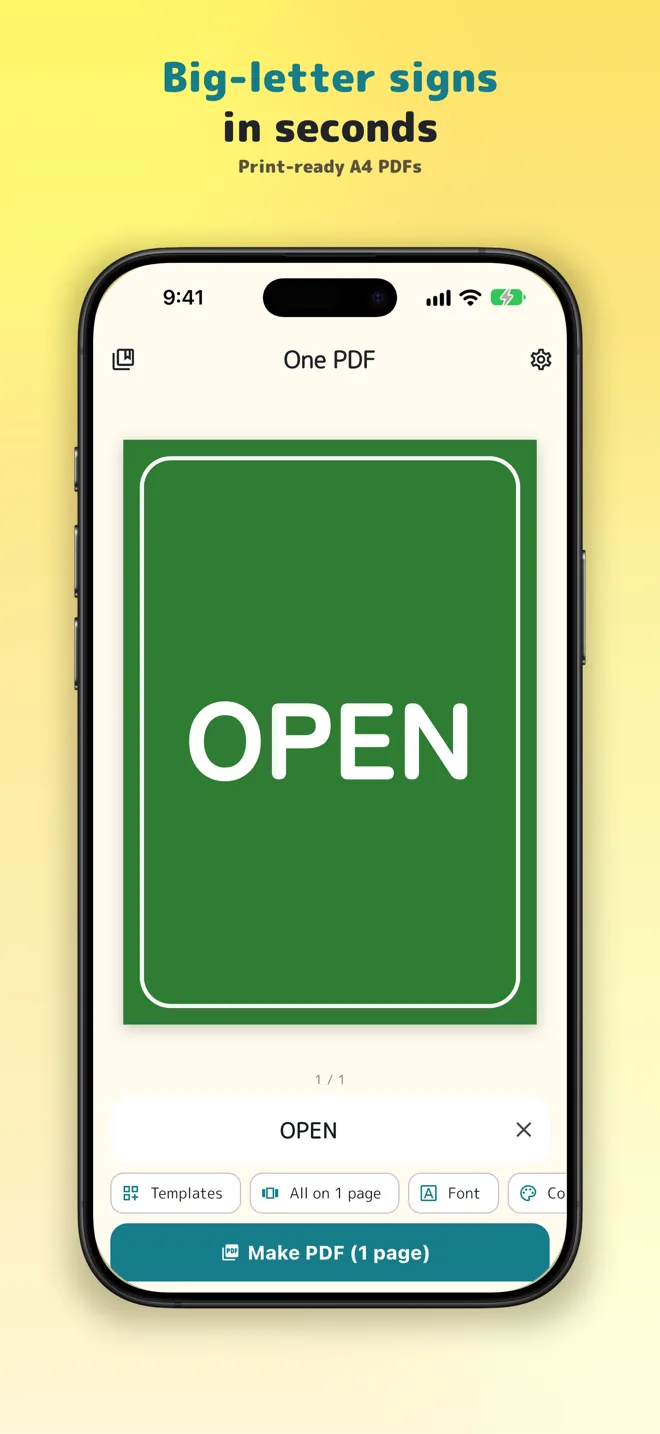
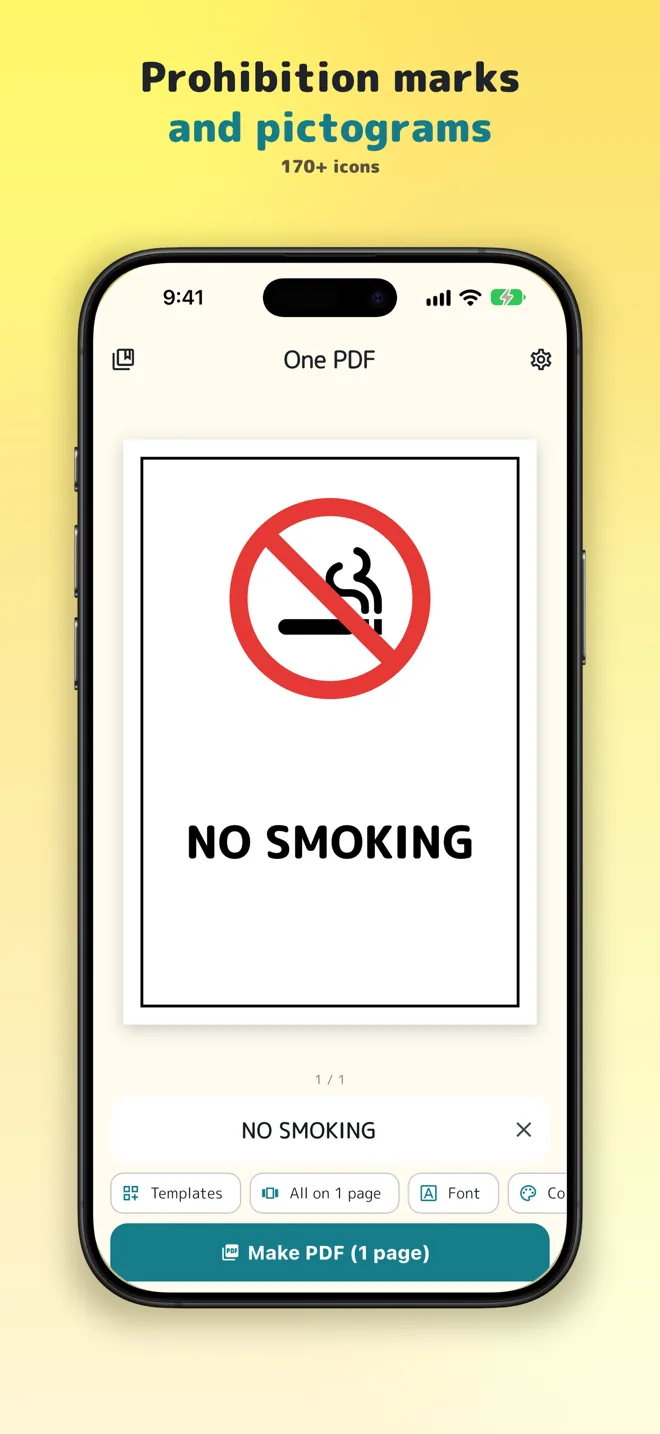
Make big-letter signs as print-ready A4 PDFs in seconds. "Closed today", "Open", "No smoking", "Restroom →": pick a template and your sign is ready for the shop, office, school or home.
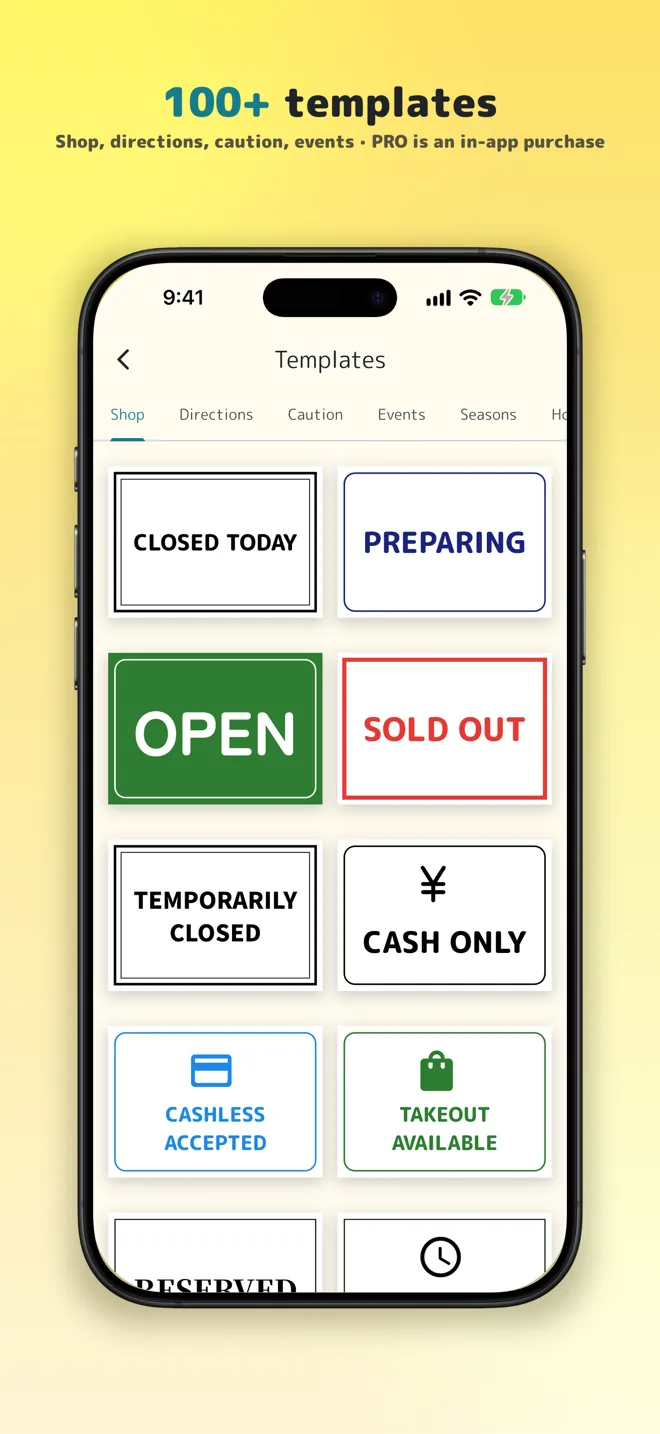
100+ templates
Six categories: Shop, Directions, Caution, Events, Seasons, Home & School. Change the text and colors any way you like.
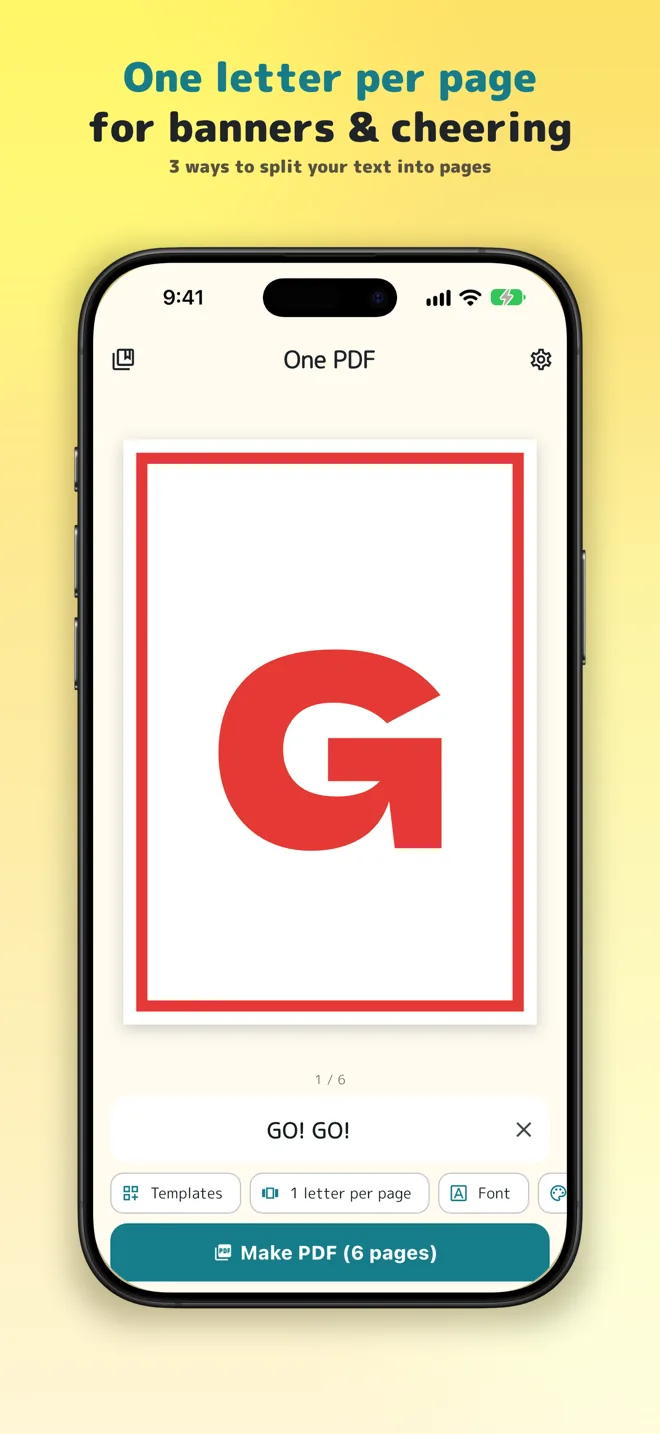
Three ways to split your text into pages
One letter per page to line up for banners and cheering, one line per page, or everything on one page for shop and office notices.
170+ icons and prohibition marks
Restroom, Wi-Fi, arrows, parking and more. Add the red circle-and-slash to make any "No ..." sign.
Fonts, frames and backgrounds
Bold, easy-to-read fonts and handwritten styles. Frames range from simple lines to seasonal patterns.
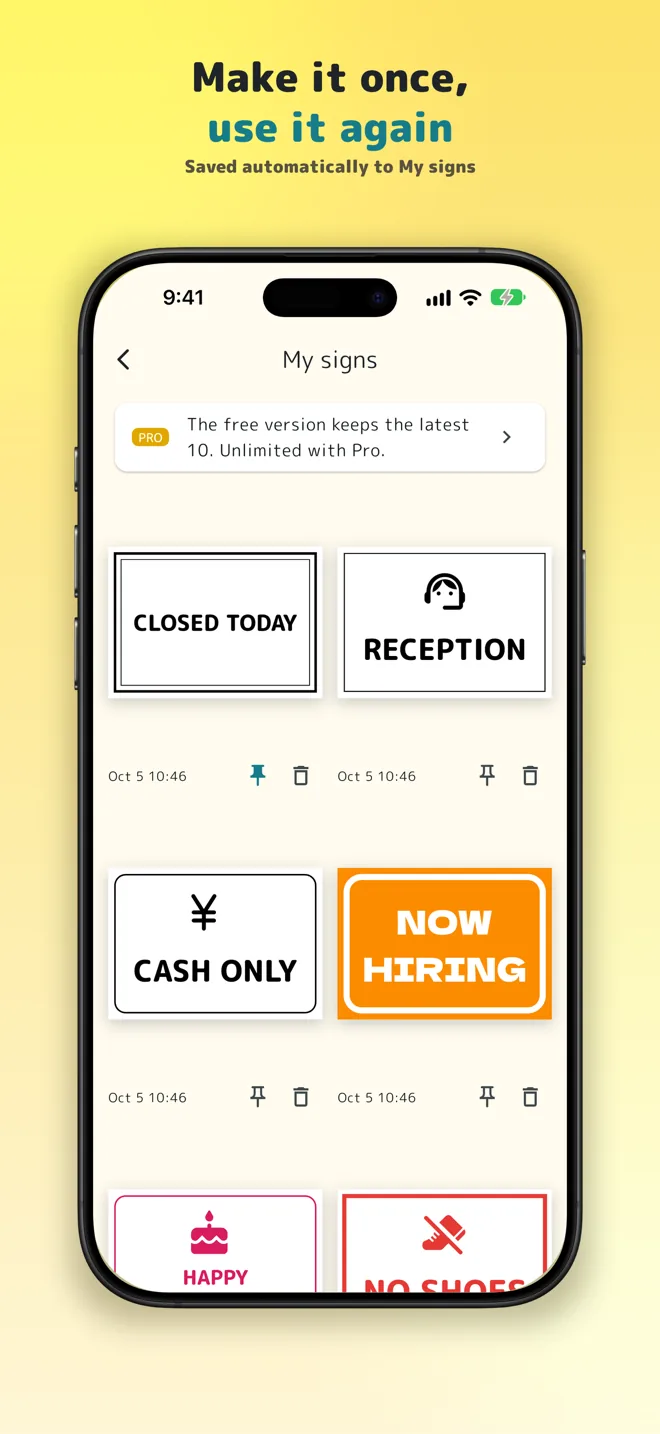
My signs
Every sign you make is saved, ready to print again. Pin the ones you use most.
Print, share, save
Print straight from your phone, or save and share the PDF.
One PDF Pro
All core features work without paying. The one-time Pro purchase adds no ads, Pro templates, fonts, frames, icons and gradient backgrounds, and unlimited saved signs.
Get One PDF


